Marketing and Sales
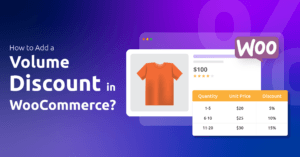
Implement WooCommerce volume discounts by installing The Disco plugin. Create a new discount campaign, define discount rules (e.g., “Buy 2...
 Fadiyah Sameh

Marketing and Sales
Set up discounts in WooCommerce by installing the Disco plugin. After installation, create a new discount rule, define the discount...
Fadiyah Sameh

Marketing and Sales
Create customer-specific discounts in WooCommerce using the Disco plugin. Set up rules to offer personalised discounts based on user roles,...
Fadiyah Sameh
This guide will explain how to use the Disco plugin’s “Tax and Shipping” conditions and offer different discounts. 1. Tax...
 Mohammad Miraj

Marketing and Sales
To applying percentage discounts in WooCommerce is simple with tools like Disco Plugin. Create discount rules, set the discount type...
Fadiyah Sameh
Marketing and Sales
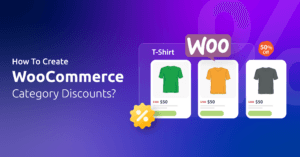
Set up WooCommerce category discounts by creating rules that apply to specific product categories. Use tools like Disco Plugin to...
Fadiyah Sameh
The following conditions let you apply discounts based on the prices of your products. 1. Currency Based Condition Many people...
Mohammad Miraj
The Product Attributes condition allows you to apply discounts based on the specific attributes assigned to your products. Attributes are...
Mohammad Miraj

Marketing and Sales
A WooCommerce free shipping discount is a promotional offer that eliminates shipping costs for your customers. It’s a powerful tool...
Fadiyah Sameh